Ask a rank tracker “where do we rank for family dentist?” and it gives you one number. That number is a lie of averages. Local results on Google Maps change block by block: the dentist who is #1 downtown can be #14 three kilometers north, and a single rank check will never show it.
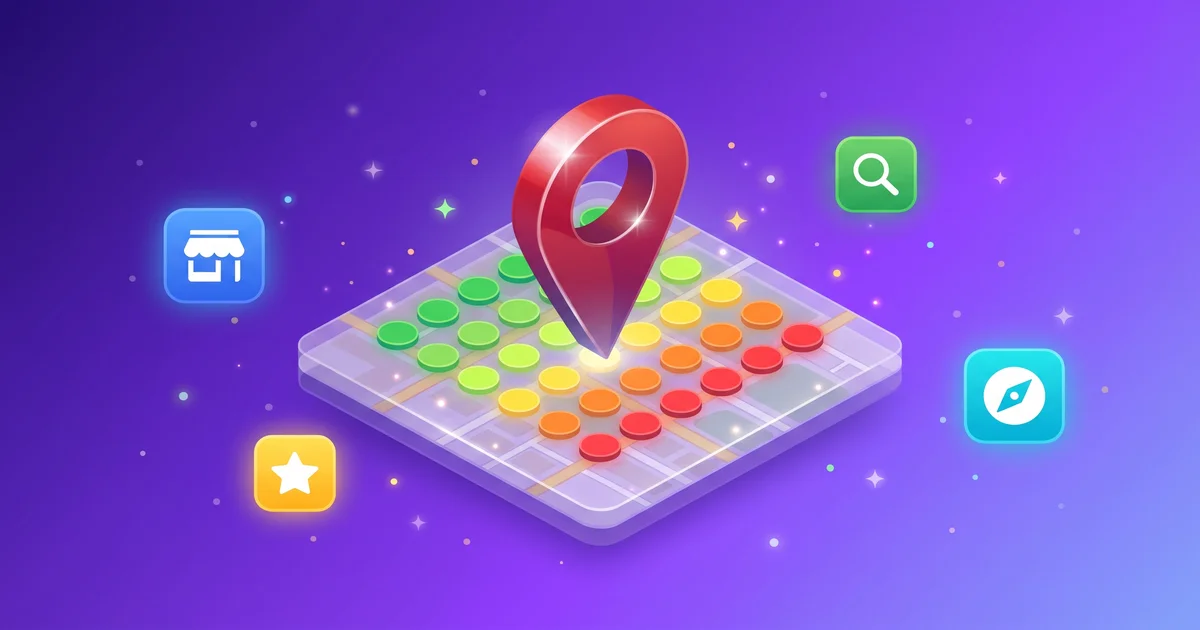
Geo grid rank tracking fixes the blind spot. Instead of one check from one location, it checks your local pack position from a grid of points around your business and paints the results as a heatmap. Green where you win, red where you do not exist. This guide covers how to read that map and, more importantly, what to do about the red.
What a geo grid actually measures
A geo grid scan lays a square grid over the map, centered on your business address: 3x3 for a tight neighborhood view, 5x5 for a city district, 7x7 for a whole service area, with spacing you choose (typically 0.5 to 5 km between points).
At every point, the scan asks Google Maps your target query (“family dentist,” “emergency plumber,” “tacos near me”) as if a customer were standing right there, and records your local pack position. The output is a colored dot per point:
- Green: top 3, you are in the local pack
- Yellow: positions 4 to 6, one scroll away
- Orange: 7 to 10, effectively invisible
- Red: 11 or worse, you do not exist there
A useful scan also records who does rank at each point, because the fix usually starts with studying the business that owns the cell you want.
Why your rank bends with geography
Google’s local algorithm balances three forces: relevance (does your profile match the query), prominence (reviews, citations, authority), and proximity (how close you are to the searcher). Proximity is the one you cannot edit, and it is why the map bends.
That has two practical consequences:
- Every business has a radius, not a rank. The question is not “are we #1” but “how far from the front door does our #1 reach, and in which directions?”
- Weak cells have causes you can read. A red pocket usually means a strong competitor sits inside it, your relevance signals are generic, or your prominence is not strong enough to overcome the distance penalty.
Reading the heatmap: three patterns that matter
The donut. Green at the center, red everywhere else. Your profile wins on proximity alone. Cause: thin prominence (few reviews, weak citations). Fix: reviews and authority, because relevance is already fine.
The cliff. Strong in every direction except one, where ranks fall off a wall. Almost always a competitor pocket: open the competitor list for those cells and you will find who owns them. Fix: outcompete that specific profile (their review count, their categories, their photos are your checklist).
The patchwork. Random greens and oranges with no pattern. Usually a relevance problem: wrong or missing categories and services, so Google matches you inconsistently. Fix the profile first, then rescan.
Seven fixes for weak cells, in order of leverage
- Fix categories and services first. The primary category is the strongest relevance lever you control. Add every legitimate secondary category and itemized service. An AI pass over your profile (description, services, categories, hours) takes minutes with the Google Business Profile tools and shows its reasoning per suggestion.
- Close the review gap with the cell owner. Count the reviews of whoever ranks where you want to rank. That delta is your target. Velocity matters more than totals: a steady weekly trickle beats a one-time burst.
- Reply to every review. Response rate and recency are engagement signals, and AI-drafted replies in your brand voice remove the only real excuse for the backlog.
- Post weekly. Profile activity is a freshness signal. Generate and bulk-schedule posts so the cadence survives busy weeks.
- Build location-relevant content. A geo spotlight page per weak district (“[Service] in [Neighborhood]”) gives Google a relevance anchor beyond your address, and gives AI assistants a citable page when someone asks about that area.
- Tighten local citations. Consistent name, address, and phone across directories; then chase the local sources (news, associations, “best of” lists) that both Maps and AI assistants treat as authority.
- Add photos with intent. Fresh, geo-relevant photos of jobs, storefront, and team. Profiles that look alive get treated as alive.
Rescan after each push. Cells move in weeks, not quarters, and a before/after heatmap is the most persuasive local SEO artifact you can put in a report.
The part most guides miss: the map now feeds the machines
“Near me” questions no longer go only to Google. Customers ask ChatGPT for a plumber and Gemini for a dentist, and those assistants lean heavily on the same local data: your Google Business Profile, your reviews, your categories, and the local pages that mention you.
That makes geo grid work double-duty. Every fix above improves your Maps radius and the raw material AI assistants use when they recommend local businesses across ChatGPT, Perplexity, and Google AI Mode (AI Overviews). If you track both (the grid for Maps, AI visibility monitoring for assistants), you can see the same work move both numbers.
How often to scan
- Monthly for stable service businesses: enough to catch drift and measure campaigns.
- Weekly during an active local push, a competitor opening nearby, or a reputation incident.
- Always after profile changes: categories, address, or name edits can move the whole map and you want the new baseline immediately.
One number never told you where the customers stopped seeing you. The grid does, block by block, and every red cell comes with a to-do list. Run your first scan, pick the three worst cells, and start there.
See how your brand shows up in AI search
Track your visibility across ChatGPT, Gemini, Perplexity, Claude, and Google AI Mode (AI Overviews). Start with a free scan.



 ChatGPT
  AI Mode
  Claude
  Grok
Grok  Perplexity