



In 2025, 60% of U.S. adults use AI to find information, 60% of marketers use AI daily (up from 37% last year), and 93% of CMOs report clear ROI from generative AI.
Teams still worry about off-tone drafts, wrong facts, and what data is safe to paste; leaders ask for stronger voice controls, citations, and approvals that match real workflows. Concerns also include uneven training, unclear governance, and whether AI actually helps day-to-day work; many workers remain skeptical without better guidance and safeguards.
This guide spotlights AI content generators built for teams so you can publish accurate, on-brand work faster with the controls, security, and collaboration you need in 2025.
Features That Matter For Teams
- Brand voice control with style guides and locked terminology
- Team workflows with roles, comments, tasks, and staged approvals
- Governance with blocklists, claim checks, and reading level limits
- Verifiable content with inline citations and plagiarism checks
- Enterprise security with no training on your data, SS, O, and audit logs
- Integrations across Google Docs, Microsoft 365 CMS, Slack, Jira, and DAM
- Measurement with quality scores, edit distance, time saved, and usage caps
Rapid Rundown of Best AI Content Generators for Teams
Give each tool the same brief, then time the edit to publish window. Shorter edits and fewer rewrites signal a stronger brand voice fit and better team workflow.
- Copy.ai: Scales multi-channel copy from one brief with automations for task approvals and handoffs.
- ChatGPT (Business): Secure team space with shared GPTs that draft plans and refine content across use cases.
- Jasper: Brand voice style guides and centralized admin to keep every asset on message.
- Writesonic: Fast blog and ad drafts with SEO tools and clean export into common editors.
- Rytr: Lightweight collaborative drafting for quick, everyday posts, emails, and ad variants.
- Synthesia: Turns scripts into on-brand training and explainer videos for scalable team content.
- Claude (Teams): Long context writing with careful reasoning and enterprise privacy options.
- HyperWrite: An in-browser assistant that drafts, rewrites, and automates repetitive writing tasks.
- Writer: Company style guides, terminology locks, and knowledge grounding for accurate brand-safe copy.
- Anyword: Performance-focused copy with channel-specific scores to speed approvals.
Comparison of Top AI Content Generators
| Tool | Best for teams | Core team features | Starting price (USD) | Notes |
| Copy.ai | Marketing and GTM teams scaling briefs to multi-channel copy | Chat projects, brand voice, “Agents,” workflow credits | $29/mo Chat; $249/mo Agents; enterprise from sales | Public tiers plus enterprise options |
| ChatGPT (Business) | Secure org workspace for drafting, editing, and shared GPTs | Projects, shared GPTs, admin controls; enterprise governance | Plus $20/mo, Pro $200/mo; Business/Enterprise contact sales | Per-user pricing for Business/Enterprise is not public |
| Jasper | Brand-safe marketing content across channels | Brand Voice, Knowledge, multi-seat admin | Pro $69/seat/mo or $59/seat/mo annually; Business custom | Seat-based Pro; Business via sales |
| Writesonic | SEO + AI content for blogs and ads | Blog/ads writer, SEO tools, exports | $39 Lite, $79 Standard, $199 Professional, $399 Advanced | Annual discounts; Enterprise custom |
| Rytr | Low-cost drafting for everyday formats | Tone match, plagiarism checks, and collaboration | Unlimited $7.5/mo, Premium $24.16/mo | Free tier available |
| Synthesia | Turning scripts into on-brand training and explainer videos | Team templates, brand kits, SSO | From $18/mo Starter; Enterprise custom | Video-first, widely used by content teams |
| Claude (Teams) | Long-context writing with careful reasoning | Team projects, admin, and connectors | Team Standard $30/user/mo or $25 annually; Premium $150/user/mo; min 5 users | Enterprise adds SSO, SCIM, and audit logs |
| HyperWrite | In-browser assistant for drafting and automation | Chrome extension, personas, citations | Premium $19.99/mo or $16 annually; Ultra $44.99/mo or $29 annually | Clear monthly vs annual pricing |
| Writer | Brand governance and grounded generation for larger orgs | Styleguides, terminology, knowledge grounding, SSO | Monthly $39. Annually $29. | Public dollar pricing is not listed |
| Anyword | Performance-scored copy for ads, blogs, and pages | Predictive scores, multi-seat plan | Starter $49/mo, Data-Driven $99/mo; annual $39/$79 | Business/Enterprise custom tiers available |
1. Copy.ai
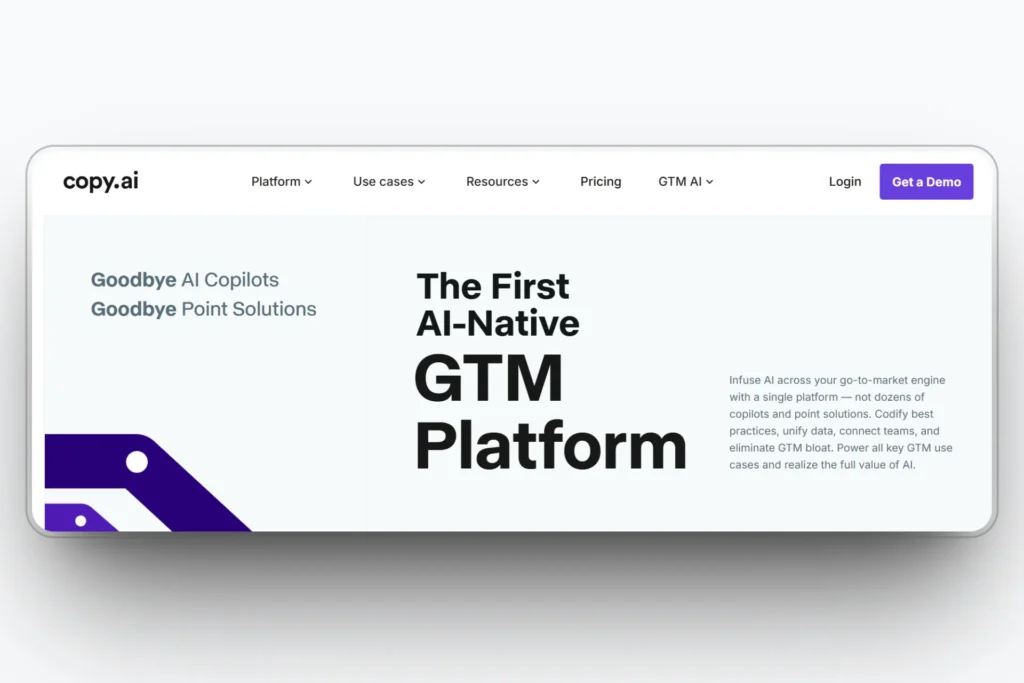
Copy.ai helps teams turn one brief into many drafts across blog, email, and social. Shared projects and simple approvals keep work moving.
Brand voice tools and workflow automations reduce edits so content ships faster. Setup is quick and easy to learn.
Copy.ai Features
- Brand voice with custom style guides and examples
- Projects with comments, roles, and access controls
- Workflow automations from brief to publish
- Rewrite, expand, and originality checks
- Exports to common docs and CMS tools
Copy.ai Best for
Turning one brief into multi-channel campaigns quickly with automations that cut manual handoffs
Who is it for
Marketing managers and content teams at startups to mid-market agencies that need seat-based collaboration and brand control
Rating and Reviews
Trustpilot: 2.3/5.0
“It’s a great product, but it has a very bad team. Every other day, it will stop working, and the support team (including the founder, Chris Lu) has absolutely no idea about what’s going on. They would just shamelessly blame this reason or that. Many times, (and they call it “accidentally”), they ship bugs directly to production. Seriously? Either they have ZERO skills for managing software, or they’re just irresponsible.” – Adam
Copy.ai Pricing
$29 per month Chat plan, $249 per month Agents plan, and Enterprise from sales
2. ChatGPT (Business)

ChatGPT helps teams draft, edit, and refine content inside a secure workspace. Shared GPTs and projects keep work organized.
It speeds ideas to the idea-drafting process and reduces rewrite cycles with strong summarizing and editing tools. Setup is fast for small to large teams.
ChatGPT (Business) Features
- Shared GPTs and projects for team collaboration
- Strong drafting, rewriting, summarizing, and outlining
- Admin controls with workspace settings and permissions
- File uploads for grounded writing and quick references
- Connectors and extensions to bring docs and data into chats
ChatGPT (Business) Best for
Secure team drafting and editing with shared GPTs that support many content types
Who is it for
Marketing, operations, product, and support teams that need fast drafting with simple governance and centralized admin
Rating and Reviews
G2: 4.5/5.0
“Effortless Writing Assistance with ChatGPT” – Amee P.
ChatGPT (Business) Pricing
Plus $20 per month, Business $200 per month.
3. Jasper
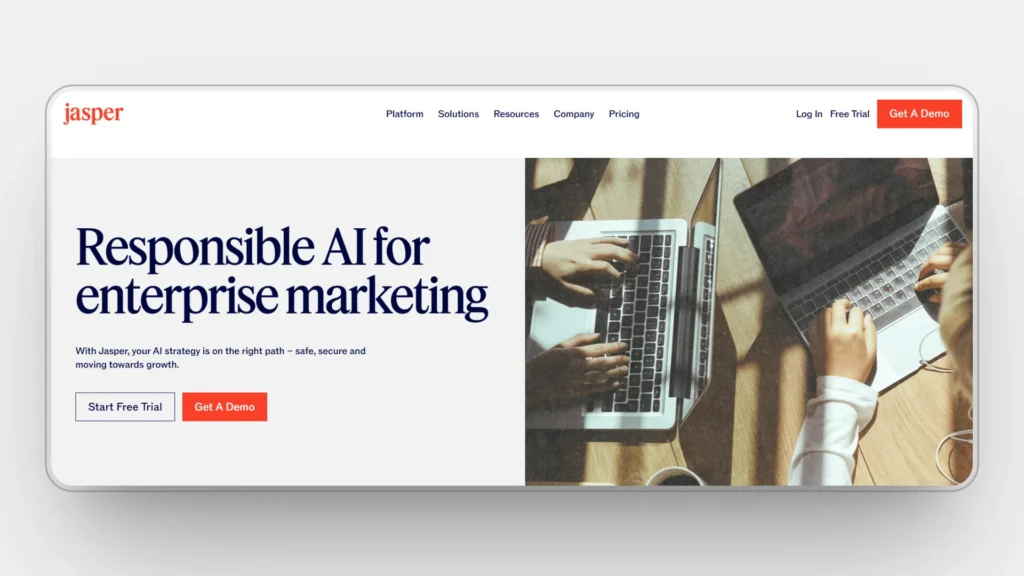
Jasper helps teams create brand marketing copy across blogs, ads, email, and web pages. It centralizes voice, assets, and settings so every draft starts aligned.
It speeds campaign work by turning one brief into multiple deliverables. Admin tools keep roles and permissions clear as teams grow.
Jasper Features
- Brand Voice with custom style guides and examples
- Knowledge grounding to reference approved facts and messaging
- Multi-seat admin with roles, comments, and activity tracking
- Campaign and template library for common marketing assets
- Workflow steps to move drafts from brief to review to publish
- Exports and extensions to slot content into your CMS and docs
Jasper Best for
Marketing teams that need a consistent brand voice across many channels with clear admin control
Who is it for
Content managers, agencies, and in-house marketers at small to mid-sized companies that want seat-based collaboration and brand control.
Rating and Reviews
G2: 4.7/5.0
“My Go-To Tool for Quick Content Drafts” – Tamim Ahmed S.
Jasper Pricing
Pro $69 per seat per month or $59 per seat per month when billed annually, Business custom pricing
4. Writesonic
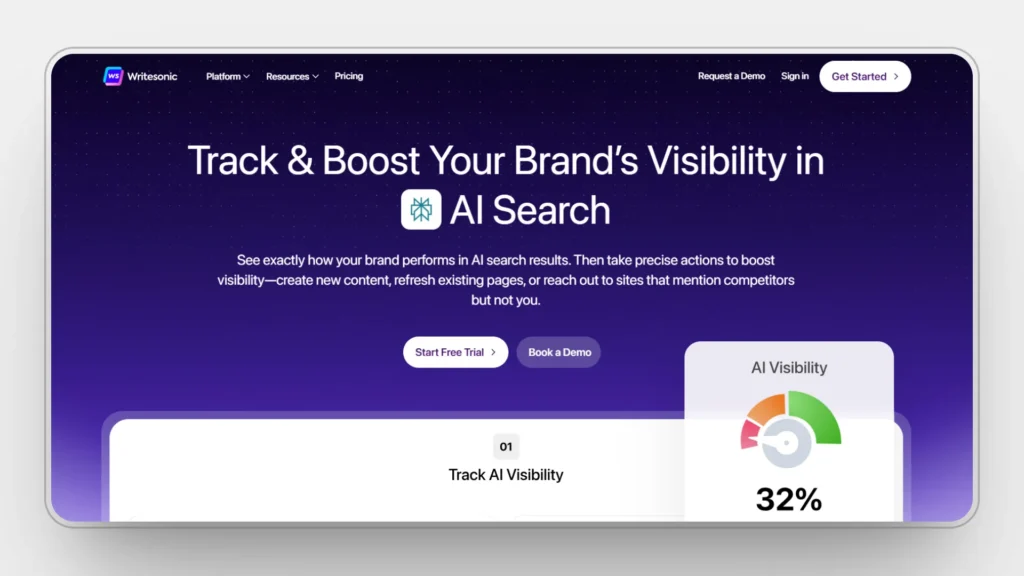
Writesonic helps teams turn ideas into blogs ads and landing page drafts quickly. The editor is simple, and the flow from outline to draft is smooth.
It also supports SEO focused planning, so posts start structured for search. Teams can export to common editors without extra steps.
Writesonic Features
- Blog and ad writers with guided outlines and headline variants
- SEO tools for keywords, meta metadata, and readability checks
- One click exports to Google Docs and popular CMS platforms
- Templates for blog ads, social posts, and product pages
- Team workspaces with roles, comments, and version history
Writesonic Best for
Fast blog and ad production with SEO friendly structure and easy export
Who is it for
Content and performance marketing teams at startups and SMBs that need quick drafts and simple collaboration
Rating and Reviews
G2: 4.7/5.0
“Effortless Professional Content Creation with Writesonic” – Tanya S.
Writesonic Pricing
$39 Lite, $79 Standard, $199 Professional, $399 Advanced
5. Rytr
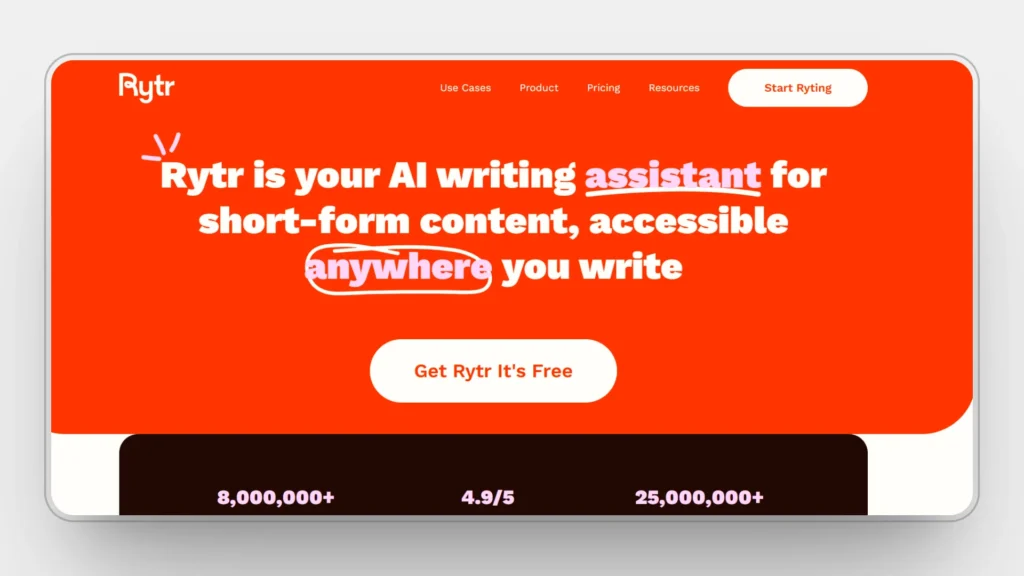
Rytr helps teams make quick drafts for blogs, emails, and ads with a simple editor. It is light to run and easy to learn.
You get fast outputs for everyday tasks, so small teams can keep up with deadlines. It stays focused on speed and basic quality.
Rytr Features
- Dozens of use case templates for common formats
- Tone control to match simple brand preferences
- Built-in plagiarism check for basic originality
- Shortform and longform modes for flexible length
- Team workspace with shared access and history
Rytr Best for
Low-cost drafting for everyday copy where speed matters
Who is it for
Small team, solo marketers, and agencies that want quick drafts and simple collaboration.
Rating and Reviews
G2: 4.5/5.0
“I mainly like its quality of writing. It writes like a human. I mostly like Rytr’s unbeatable Section writing. As Rytr is AI-based writing software, it is saving tons of hours every month.” – HM S.
Rytr Pricing
Unlimited $7.5 per month, Premium $24.16 per month
6. Synthesia

Synthesia helps teams turn scripts into on-brand training and explainer videos fast. You type the script, pick an avatar, and generate a polished video.
It removes the need for studio gear or on-camera presenters. Edits are quick, so updates ship without reshoots.
Synthesia Features
- Template library with scenes, captions, layouts, and animations
- Brand kits for fonts, colors, logos, and reusable assets
- AI avatars and voice options with lip sync and timing controls
- Screen and media uploads to mix slides, product shots, and B-roll
- Team workspaces with roles, comments, and version history
Synthesia Best for
Transforming written scripts into scalable training onboarding and explainer videos
Who is it for
L&D marketing support and product teams that need fast video creation without a studio.
Rating and Reviews
G2: 4.7/5.0
“The integration of GenAI, the ability to rewrite and rework the script quickly based on feedback, the ability to produce professional quality content, the professional voices and appearance of avatars. Democratisation of content creation, given that it makes it accessible to someone who has no video editing skills!” – Maja S.
Synthesia Pricing
From $18 per month for Starter, Enterprise custom pricing via sales
7. Claude (Teams)

Claude helps teams write long-form content with clear structure and careful reasoning. It handles large briefs and background docs without losing context.
Teams can organize work in shared spaces and keep settings consistent. Editing feels natural, so the final copy reads clean and precise.
Claude (Teams) Features
- Long context window for big briefs and research packs
- Team projects with shared settings and document organization
- Strong outlining, summarizing, and rewriting for long-form pieces
- Connectors to pull files and data into a single workspace
- Admin options for seat usage and basic governance
Claude (Teams) Best for
Deep research-driven writing where long context and careful reasoning improve quality
Who is it for
Content strategists, editors, and documentation teams that need shared spaces and reliable long-form drafting.
Rating and Reviews
G2: 4.4/5.0
“Claude has made complex strategic work more efficient, saving hours on tedious work” – Leila B.
Claude (Teams) Pricing
Team Standard $30/user/mo or $25 annually. Premium $150/user/mo; min 5 users
8. HyperWrite
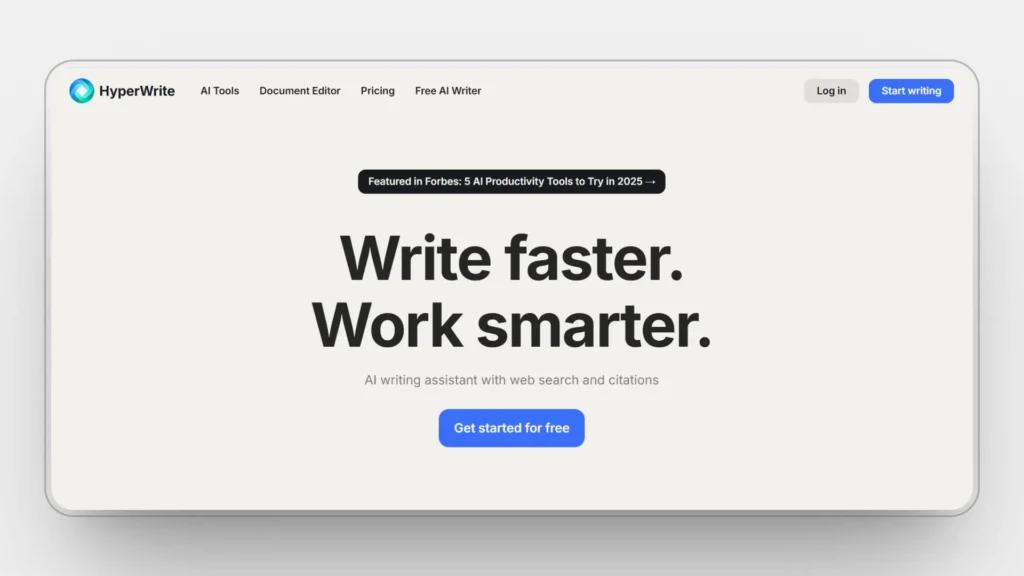
HyperWrite runs inside your browser to draft, rewrite, and summarize wherever you work. The sidebar and right-click tools keep writing in flow.
It also automates routine steps like form fills and email replies. You can set simple rules so common tasks run the same way every time.
HyperWrite Features
- Chrome extension with sidebar compose, rewrite, and summarize
- Autopilot and agent runs to automate multi-step tasks on websites
- Personas and tone memory to keep outputs consistent across pages
- Cite and research helpers with quick source capture
- Works in Gmail, Docs, CMS, and most web apps without switching tabs
HyperWrite Best for
In-browser drafting and task automation across everyday web tools
Who is it for
Marketers, SDRs, support, and ops teams that need a fast writing sidekick and repeatable automations inside the browser
Rating and Reviews
G2: 5.0/5.0
“A must-use tool for every blogger and marketer. Create unique content & blog posts with Hyperwrite!” – Rajath A.
HyperWrite Pricing
Premium $19.99 per month or $16 per month when billed annually, Ultra $44.99 per month or $29 per month when billed annually
9. Writer
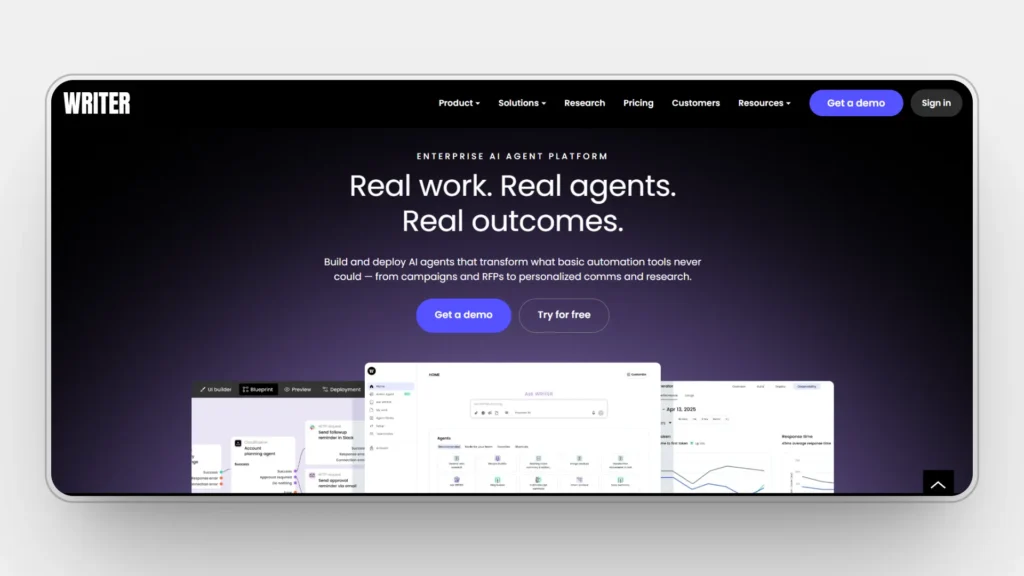
A writer helps teams create brand content using style guides, terminology, and a shared knowledge base. It keeps facts and tone consistent across blogs, web, and docs.
You can centralize company terms and approved messaging so drafts stay accurate. Collaboration is simple, and setup fits most team sizes.
Writer Features
- Style guides and terminology locks to protect brand voice
- Knowledge grounding to pull approved facts into drafts
- Team workspace with roles, comments, and activity tracking
- Templates for blogs, emails, product pages, and docs
- Enterprise controls, including SSO, SCIM, and audit logs
Writer Best for
Brand-governed writing where accuracy and consistent terminology matter across many assets
Who is it for
Content managers and compliance-minded teams in marketing, product, and support that need shared rules and centralized knowledge.
Rating and Reviews
G2: 4.3/5.0
“Helps increase efficiency for small teams” – Verified User in Marketing and Advertising
Writer Pricing
Monthly $39, Annually $29
10. Anyword
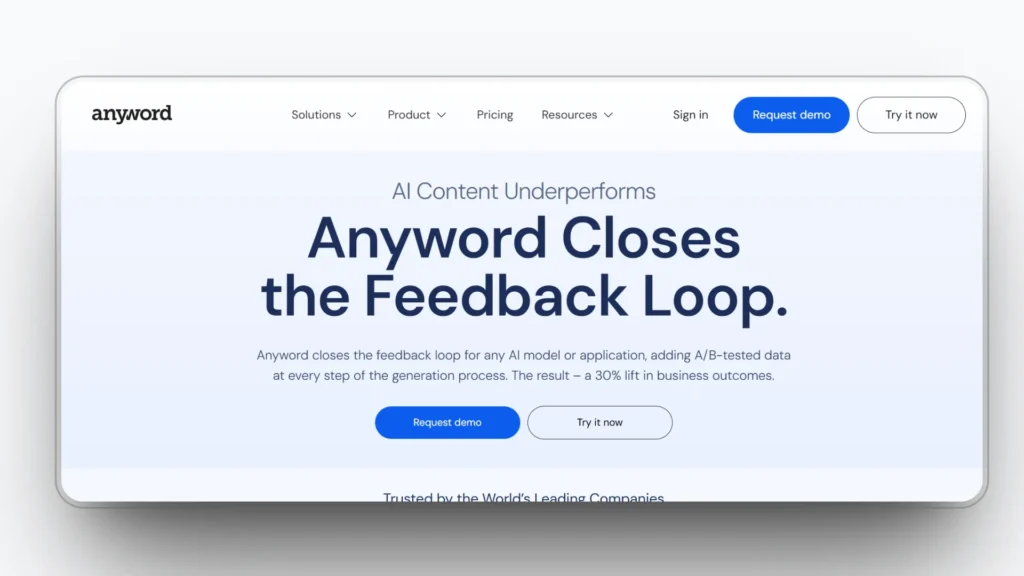
Anyword helps teams write ads, pages, and posts that are tuned for performance. It scores a copy so you can pick the version most likely to win.
It also learns from your past results to guide headlines and calls to action. Drafts are fast, and testing ideas is simple.
Anyword Features
- Predictive performance scores for headlines and body copy
- Channel presets for ads, landing pages, emails, and social
- Variant generator with quick A/B suggestions and edits
- Brand rules and tone controls with saved guidelines
- Team workspace with shared projects and role-based access
Anyword Best for
Performance-focused copy where quick testing and clear scores speed approvals
Who is it for
Growth and performance marketers at startups and SMBs who want faster ad and page iterations with simple team controls.
Rating and Reviews
G2: 4.8/5.0
“Best tool for content creation and virtual buddy” – Alwin Bradman C.
Anyword Pricing
Starter $49/mo, Data-Driven $99/mo; annual $39/$79
How To Choose The Right Tool For Your Team
- Start with your top three weekly workflows to speed up
- Check brand voice, controls style guides, and locked terms
- Ensure roles, comments, tasks, and staged approvals fit your process
- Require citations, claim checks, and plagiarism controls for trust
- Confirm no training on your data SSO and audit logs for security
- Test integrations with Docs, Microsoft 365 CM, Slack, and Jira
- Verify pricing, seat usage caps, and how costs scale
How to track AI answer visibility the right way
The fastest way to add value from this guide is to turn its metrics into a weekly workflow. Start with a small prompt set that mirrors your buyers, test across the main assistants, and log mention rate, placement, citations, and accuracy in one view. Trends over a few weeks will show where content updates or schema fixes actually move the needle.
A lightweight setup that works
- Build a 50–150 prompt set split by intent and product
- Run it across engines and record inclusion, first position, and cited sources
- Validate facts on the cited pages and note any gaps to fix
- Compare results against two core competitors and track week-over-week lift
- Ship actions and re-test so you can tie changes to outcomes
Tooling that fits this workflow
- RankPrompt helps you measure mentions and citations across ChatGPT, Gemini, Claude, Perplexity, and AI Overviews, then turn gaps into concrete fixes you can assign
- Peec AI is useful for timelines of gains and losses when you want a second perspective
- Profound adds broad assistant coverage for teams that need centralized reporting
Use whichever mix suits your stack, but keep the cadence weekly. That way, this section of the blog does real work for you by turning visibility ideas into a repeatable measurement loop you can improve over time.
FAQs
What is the difference between ChatGPT Plus and ChatGPT for teams or business?
Plus is a single-user plan. Business and Enterprise add a shared workspace, admin controls, and by default, OpenAI does not train on your business data.
Do enterprise plans use my content to train their models?
OpenAI says data from Business and Enterprise is not used for training by default. Anthropic excludes Enterprise and Team accounts from its consumer training policy and offers opt-outs for others.
How does brand voice actually work in Jasper?
You upload examples or a style guide, and Jasper infers a reusable voice profile that guides future drafts.
How does the Writer keep the content accurate?
Writer lets teams ground generations in a shared Knowledge Graph so drafts can pull approved facts and terms.
What makes Anyword different for performance marketing?
Anyword scores copy with a Predictive Performance Score from 0 to 100, so teams can choose likely winners faster.
Can Copy.ai run multi-step workflows?
Yes. Copy.ai offers no-code workflows and agents that chain actions like research and generation for repeatable team processes.
Is Synthesia only for simple avatar videos?
No. Plans support many avatars, brand kits, and captions, and you can add custom avatars on higher tiers with more collaboration options.
Does HyperWrite work inside my existing tools?
Yes. It runs as a browser extension with compose and rewrite in apps like Gmail and Docs, with Premium and Ultra tiers for heavier use.
Can Claude remember the project context for teams?
Claude now offers optional memory for Team and Enterprise to keep work context, and also provides privacy controls and opt-outs.
What should I check first for security and privacy?
Look for no training on your data by default, SSO and audit logs, and clear retention and opt-out controls on the vendor site. Start with the provider’s enterprise privacy page.